
Same loudness.
Same place you left it.
Lyrics that keep up.
Nixie plays your YouTube Music account through a native macOS app instead of a browser tab. Free, MIT licensed, and nothing about your listening leaves the machine.
v0.1.4 · 133 MB · signed and notarized
Intel Mac? Get the Intel build instead
An independent, unofficial client. Not affiliated with, endorsed by or sponsored by YouTube or Google, and it needs your own YouTube Music Premium subscription.
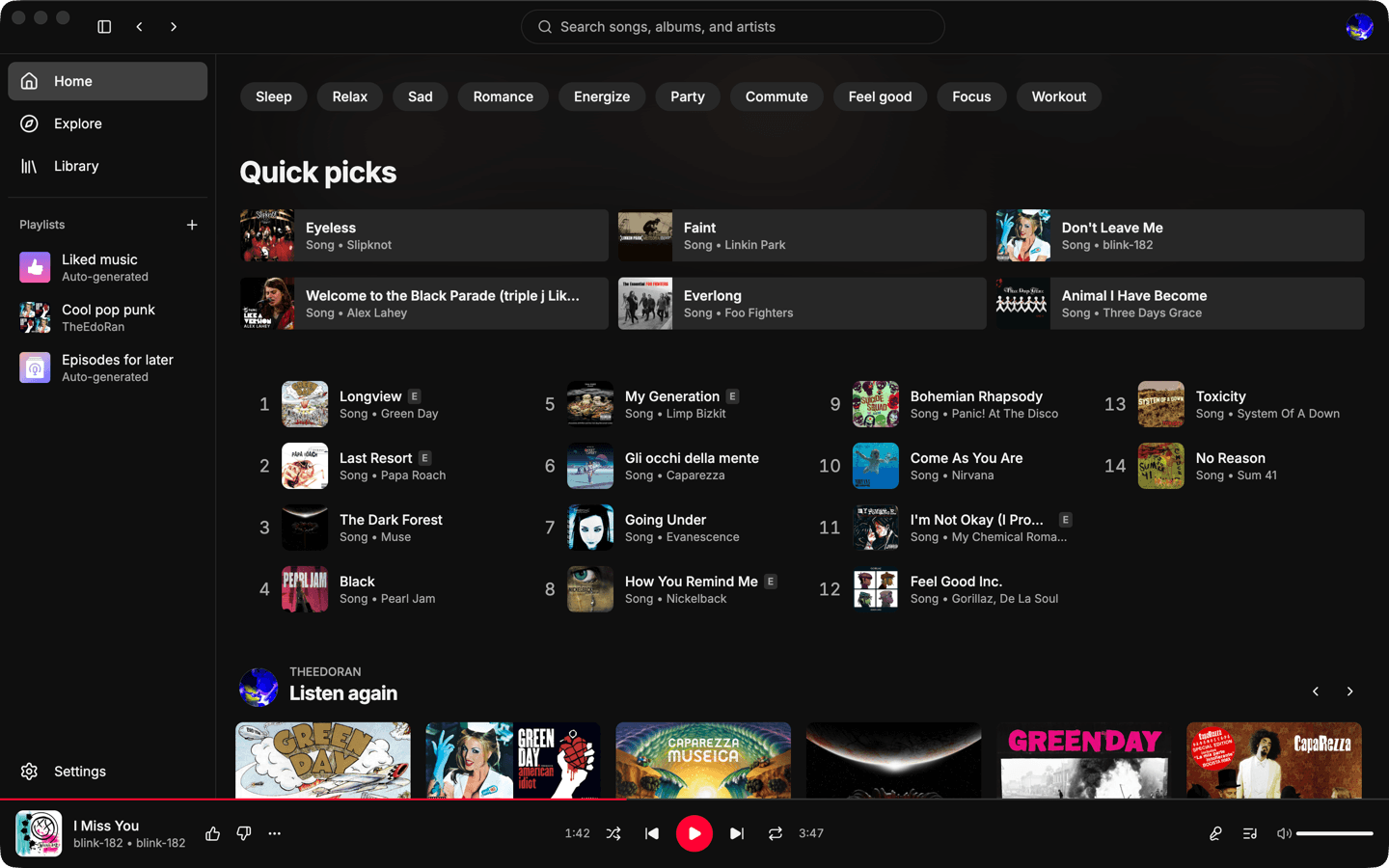
One track arrives mastered loud, the next one quiet, and you spend the evening on the volume key.
So you pick the loudness, once.
Three targets, the same three Spotify publishes. -14 LUFS is the default, because that is what YouTube itself aims for.
Integrated loudness, in LUFS
Close the tab, come back, start over.
So it comes back where you left it.
Reopen Nixie and everything is there, paused, with the stream already resolved so the first press of Space starts instantly. It comes back paused on purpose: an app that starts making noise before you asked it to is not a feature.
- the queue
- the current track
- the exact position in it
- the volume
- repeat
- shuffle
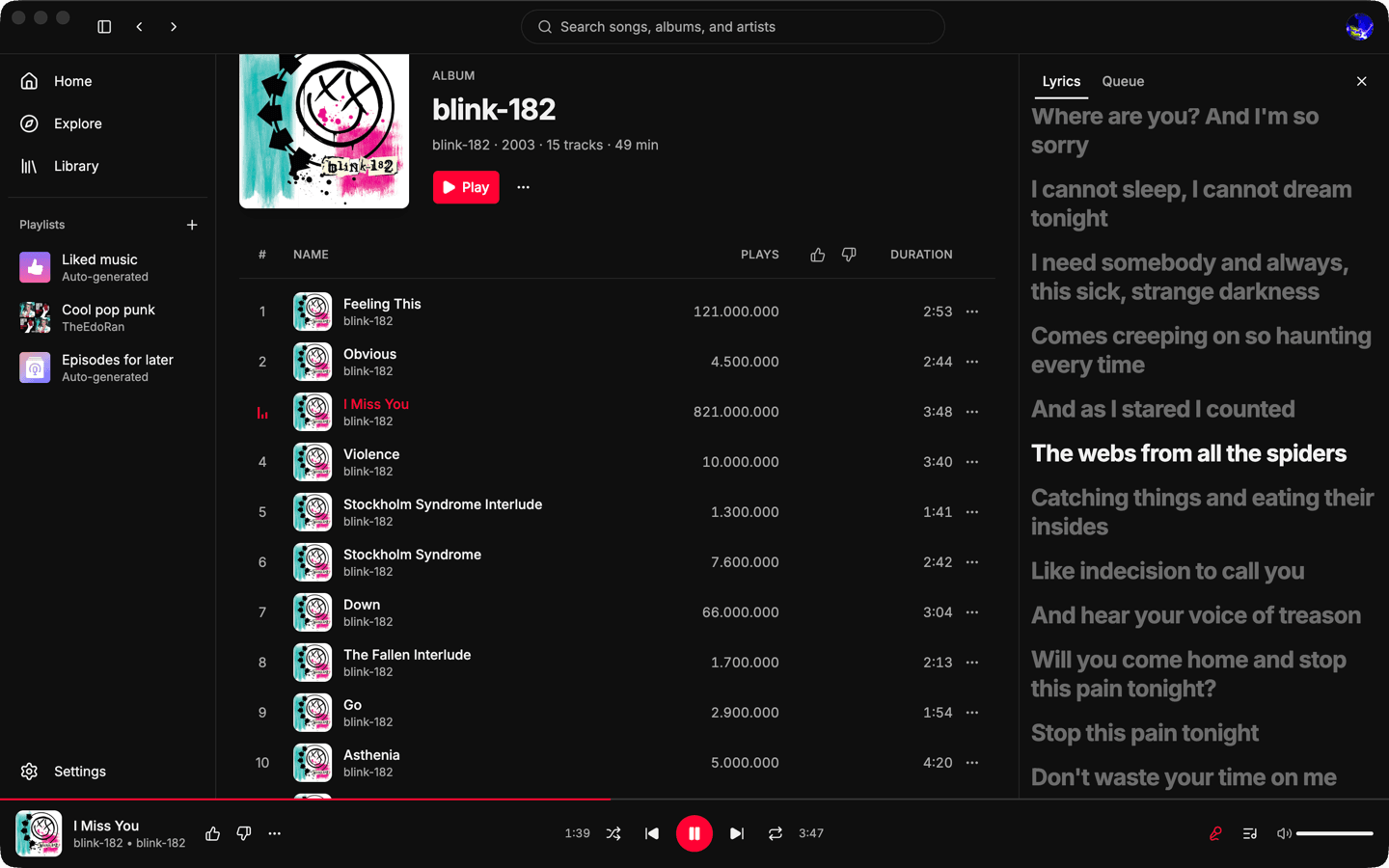
Lyrics are plain text, when they are there at all.
So three sources are asked, and the synced one wins.
LRCLIB, then NetEase, then YouTube Music, stopping at the first result good enough, so most tracks never get past the first request. Synced lyrics highlight the line you are on, scroll to keep it in view, and seek when you click one.
Everything else it does
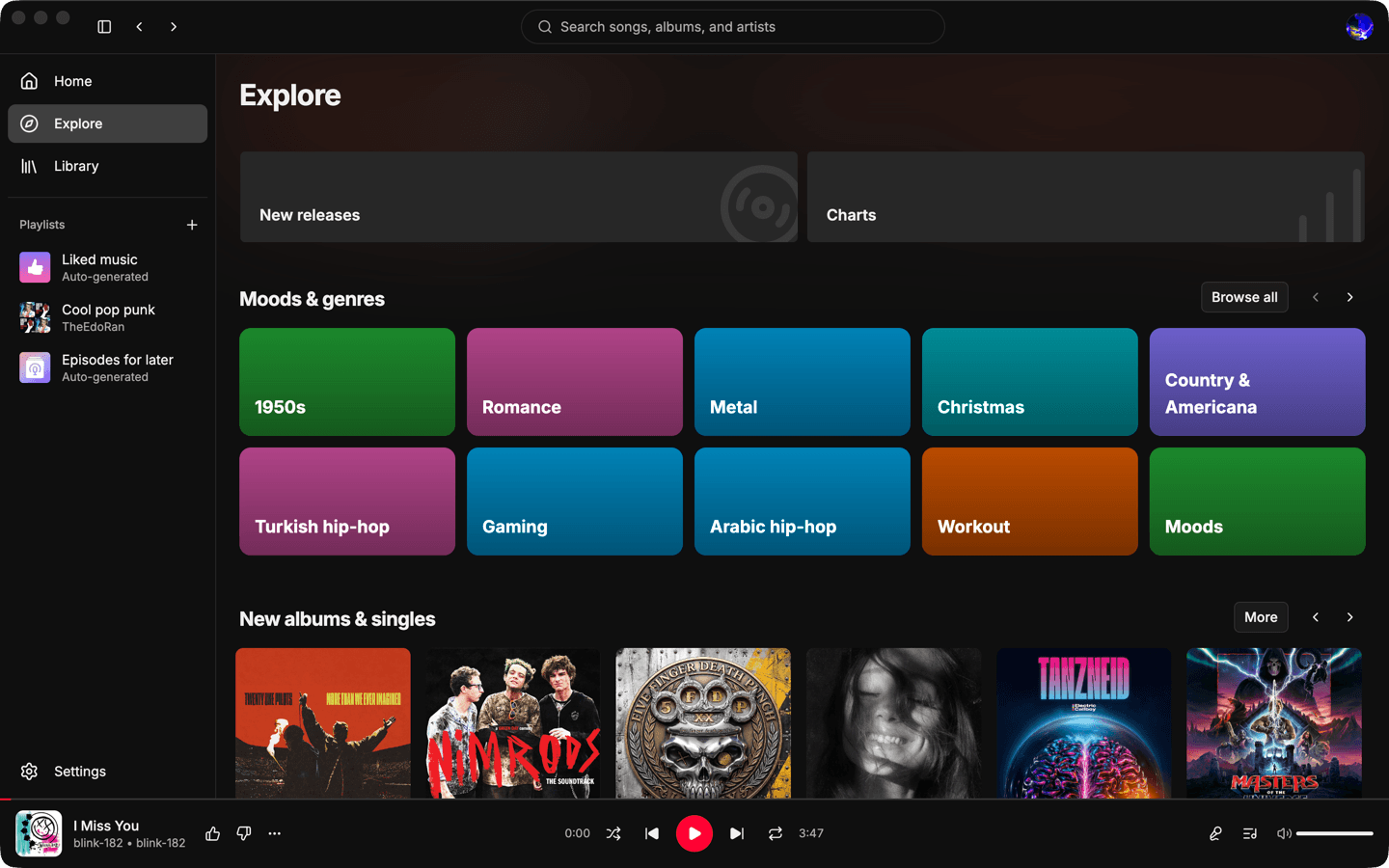
Beyond those three it is simply nicer to use. A real track table, a persistent player, a queue you can see, keyboard shortcuts and media keys. A desktop app, not a web page in a frame.
Playback
- Loudness normalization at -19, -14 or -11 LUFS, or off.
- A volume slider that behaves like your ears do, not like a gain multiplier.
- Queue with play next, add to queue, reorder and remove. Repeat off, all or one. Shuffle.
- Radio from any track, album, artist or playlist.
- Autoplay extends an exhausted queue a full track before the end, so the music never stops to wait for a network request.
- Three quality levels: data saver, balanced, or highest available.
Lyrics
- Time-synced when a source has them, plain text when it does not, and an explicit “instrumental” when there are none to find.
- Click any line to seek to it.
- Lyric requests carry no cookie and identify neither you nor your account, except to YouTube Music, which is asked over the session already streaming the audio.
Library and browsing
- Your home feed, mood chips and infinite scrolling included.
- Explore, with charts per country.
- Search with live suggestions, filtered by songs, albums, artists or playlists.
- Album, artist and playlist pages, with a real track table you can sort.
- Create, rename, describe, reorder and delete playlists. Add and remove tracks, like, dislike, save to library, subscribe to artists.
macOS
- Now Playing in Control Center, with artwork, and hardware media keys.
- A quiet notification naming the next track when the queue moves on by itself. Never while the window is focused, and never with a sound, because the only sound this app makes is the music.
- Updates download in the background and install when you quit.
Privacy
- No account, no backend, no telemetry, no analytics, no crash uploader.
- Sandboxed renderer, context isolation, a strict content security policy and validated IPC.
- Media and artwork are served through a restricted custom protocol, so the interface never holds a signed URL or a filesystem path.
There is no password field
Google refuses sign-in from an embedded browser window, and refuses OAuth tokens on the endpoints this app talks to. So Nixie never asks for your password. It adopts the session from a browser you are already signed in to on the same machine.
You pick a profile from Chrome, Brave, Edge, Vivaldi or Chromium on macOS, or Firefox anywhere, and Nixie reads that profile's YouTube cookies. They go into a dedicated Electron session partition and nowhere else. They are never logged, never sent anywhere except YouTube, and never exposed to the app's interface.
Nixie reaches YouTube through the private interface the YouTube Music apps use, which Google does not publish or support. Nothing about you leaves this device to anyone else, but the account you link is talking to YouTube through an unofficial client, and it carries whatever risk that brings.
Get Nixie
Both builds are signed and notarized by Apple, the disk image as well as the app inside it, so each one opens on a double click with no right-click trick and no Gatekeeper warning at either step.
- Updates
- Nixie checks for updates itself, downloads them in the background, and asks nothing of you beyond a restart. If you never restart, the update installs the next time you quit.
- Other platforms
- Windows and Linux are planned, with no date attached. Follow along on GitHub.
Nothing is kept behind a donation
Nixie is free, MIT licensed, and has no paid tier or premium build. What it costs is time: reading upstream responses that changed overnight, chasing a race in the audio engine, keeping three lyric providers working, and eventually getting Windows and Linux out the door.
A donation supports the person writing Nixie. It buys no feature, no priority, and no entitlement to anything on YouTube.